How to Play Dinotica Co-op
Three official ways to share a rift — and one unlock you must finish in solo before the couch session starts.
Dinotica sold companionship as a feature from the first trailer. 1.0 finally adds full online co-op on top of local split-screen, LAN, and Steam Remote Play Together. This guide is how to play with another human without guessing which mode you are in, and how to protect an evening that would otherwise die on a missing battle slot.
Unlock split-screen first
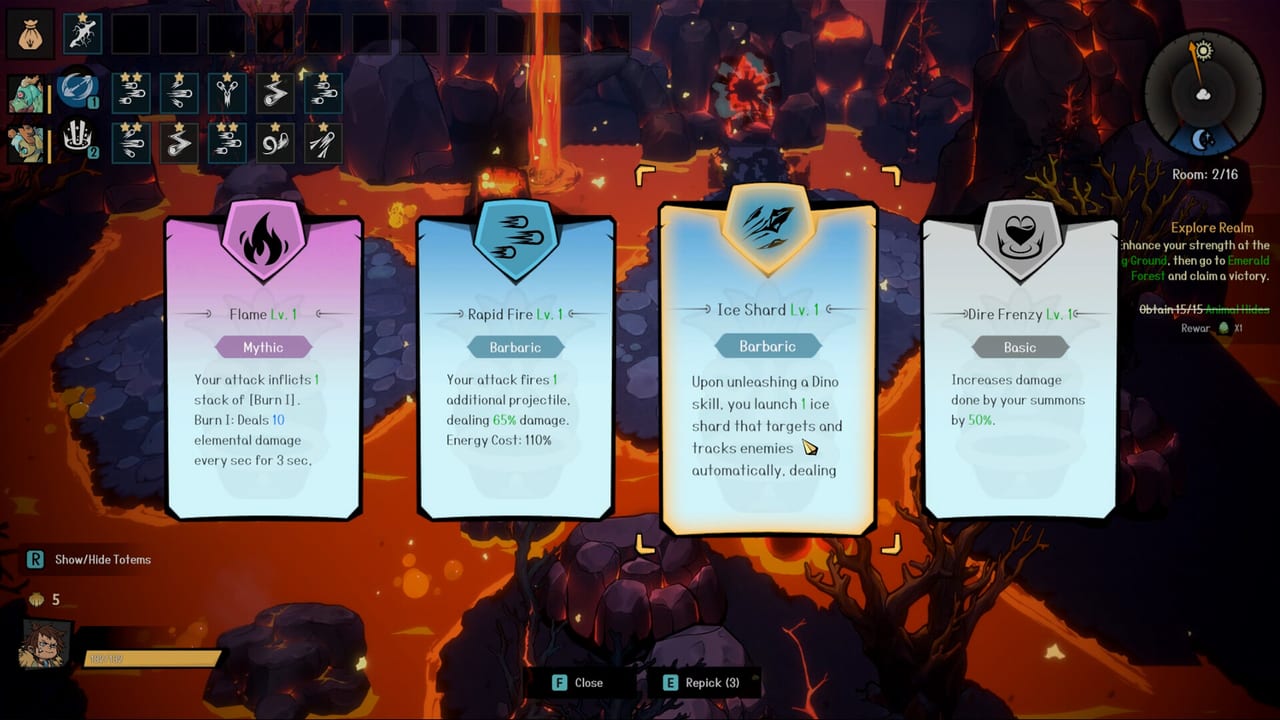
A detailed Steam review is blunt: play solo until the second dino battle slot exists, because each player must ride a dinosaur to enter combat. If a friend is already on the sofa, finish that unlock before you pass a pad. Getting Started and How to Tame and Hatch are the fastest path to a second mount.
Once two riders exist, local co-op can share a screen or a LAN. Most players need their own copy for local and LAN. That is the official launch wording, not a wiki invention.
Remote Play Together
Remote Play Together streams the host’s game. Only the host must own Dinotica. The guest needs a stable download; the host needs a stable upload. This is the “one copy, two humans” option. You share the host’s settlement, hatchery, and progress. Do not start a second save expecting it to merge later.
Online co-op in 1.0
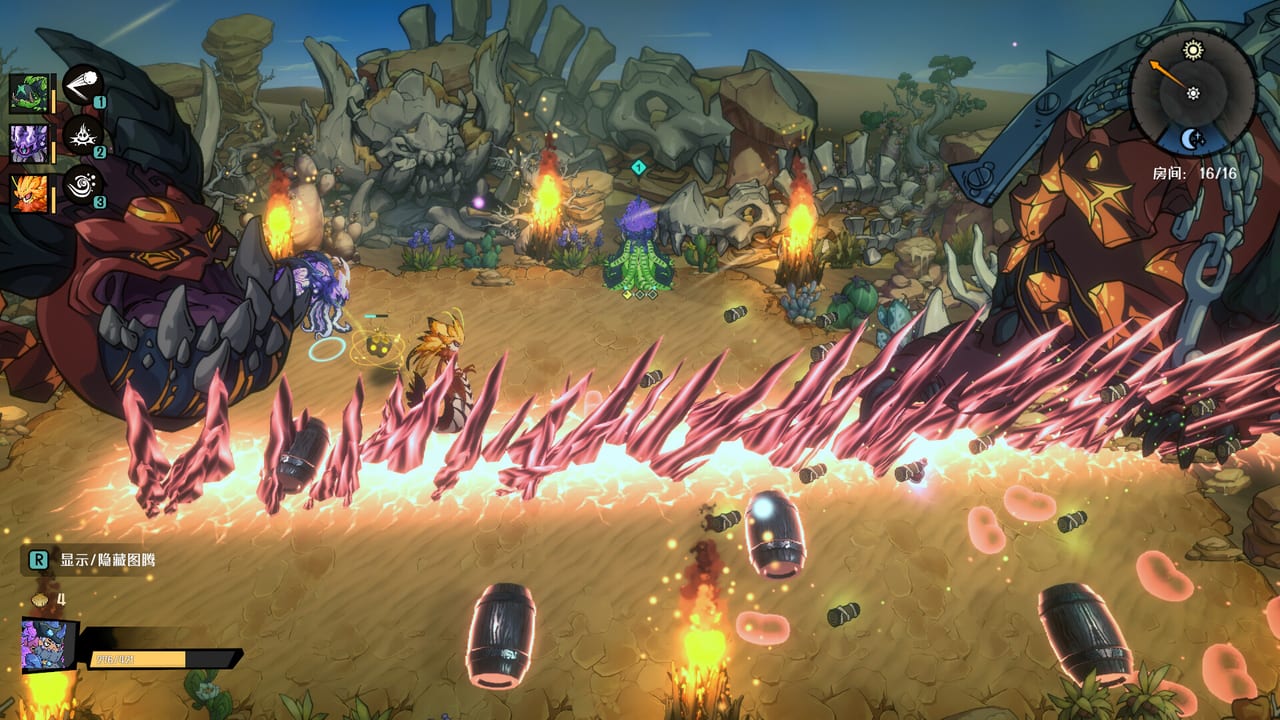
Online co-op is the full-release headline. Every player needs a copy. Homes do not sync. Launch coverage is explicit: meet at the boss room and fight together without combining farms. That design avoids the “whose leather is this” argument and also means you cannot borrow a friend’s perfect rider. Breed at home with How to Breed, then join the rift.
If the session closes with no error, that is a known Early Access multiplayer complaint. Update, verify files, and avoid the particle totems that already crash solo. Patch Notes is where stability hotfixes land.
Totems, menus, and kids
Couch players reported that one person selected totems while the other placed them. Fine for two veterans; miserable with a child. Put the experienced tamer on the totem UI. Controls covers pads versus keyboard.
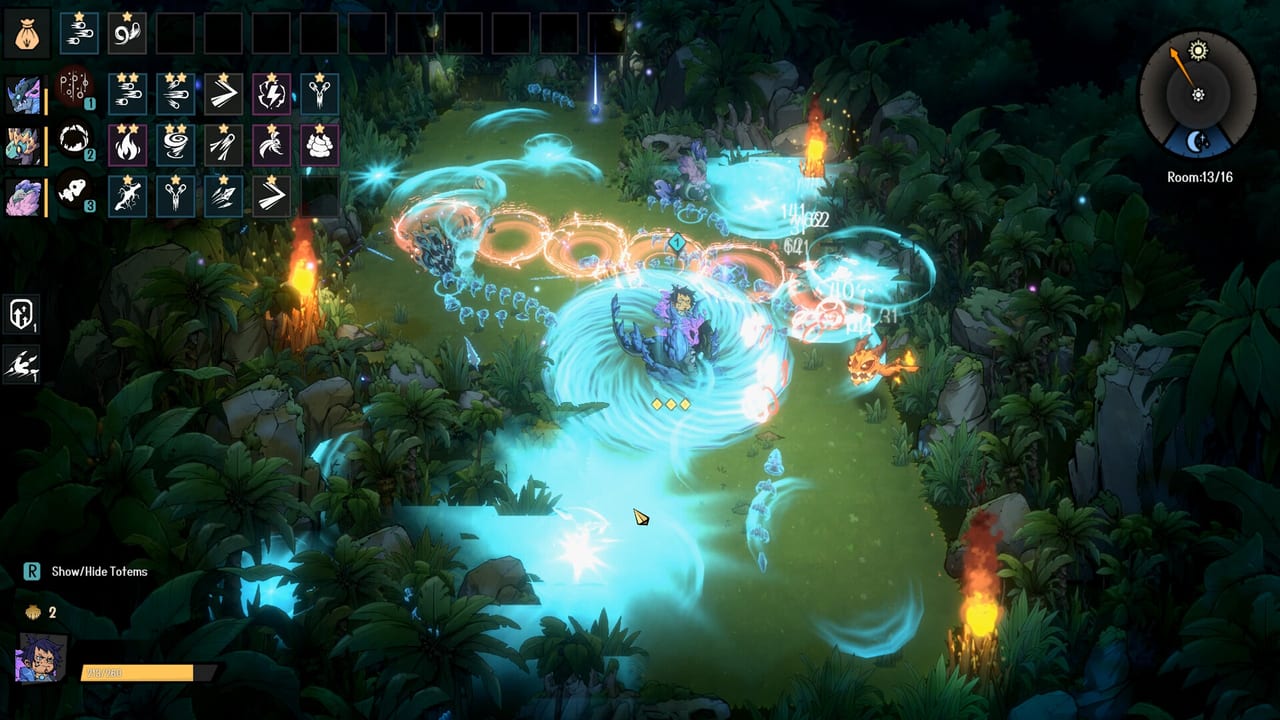
Party size in shared screen is two. A reviewer asked for a third. Until a patch says otherwise, plan for two humans plus AI dinos, not a four-player couch party.
How to pick a mode quickly
- Same house, two copies, two pads: local split-screen after the second battle slot.
- Same house, one copy: Remote Play Together on the same network, or buy the second copy.
- Different houses, one copy: Remote Play Together.
- Different houses, two copies, separate saves: online co-op, meet at the boss.
How to protect the session
Agree on difficulty before the first door. Casual is the right call if one player is new; Challenge is a fruit farm, not a flex. Leave workers at home so both settlements still produce while you fight — Farm and Base. If one player’s kit fills the screen, swap it; crashes during co-op waste more time than a weaker special.
Use the Team Builder so riders do not overlap jobs. Read Dungeons and Bosses for door symbols so you are not arguing in the doorway. For whether the game is actually fun with a partner, the Review already collected the “played with my spouse / kid” reports.
Online is new in 1.0. Expect etiquette to form after Launch Weeks. Until then, host in the biome the least-geared player can read, not the one the veteran wants to farm.
Frequently Asked Questions
Quick answers drawn from the current 1.0 build.
Why can we not start split-screen?
Unlock the second battle slot in solo. Each player must ride a dino to enter combat.
Does my friend need to buy the game?
Not for Remote Play Together. Local, LAN, and online co-op expect each participant to own a copy as Steam describes.
Do farms merge in online co-op?
No. Meet at the boss room. Hatcheries stay separate.
Is three-player couch supported?
Not as of the reports this wiki trusts. Plan for two humans on one screen.